
Ambient Light for Social Feedscho mạng xã hội
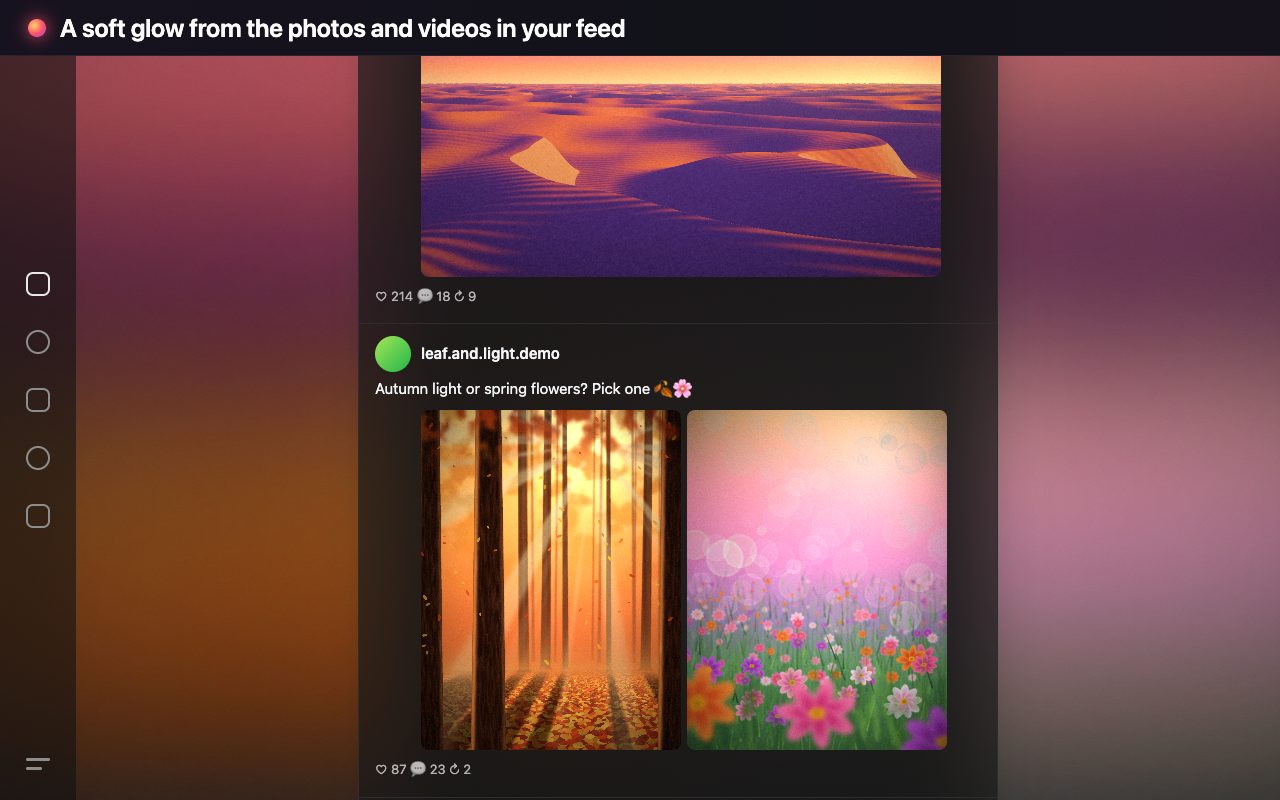
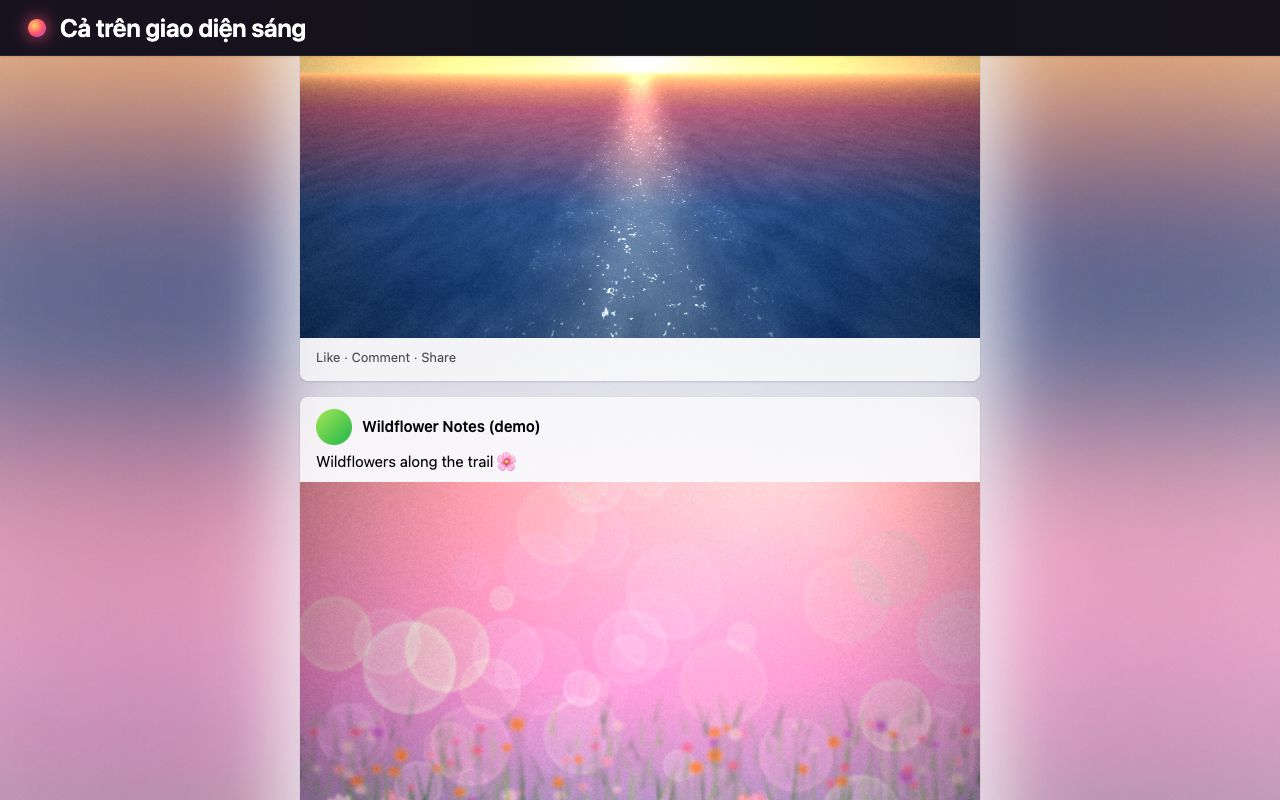
A soft, colorful glow behind the photos and videos in your feed on TikTok, Facebook, Instagram and Threads (desktop web). Colors flow smoothly from one post to the next.
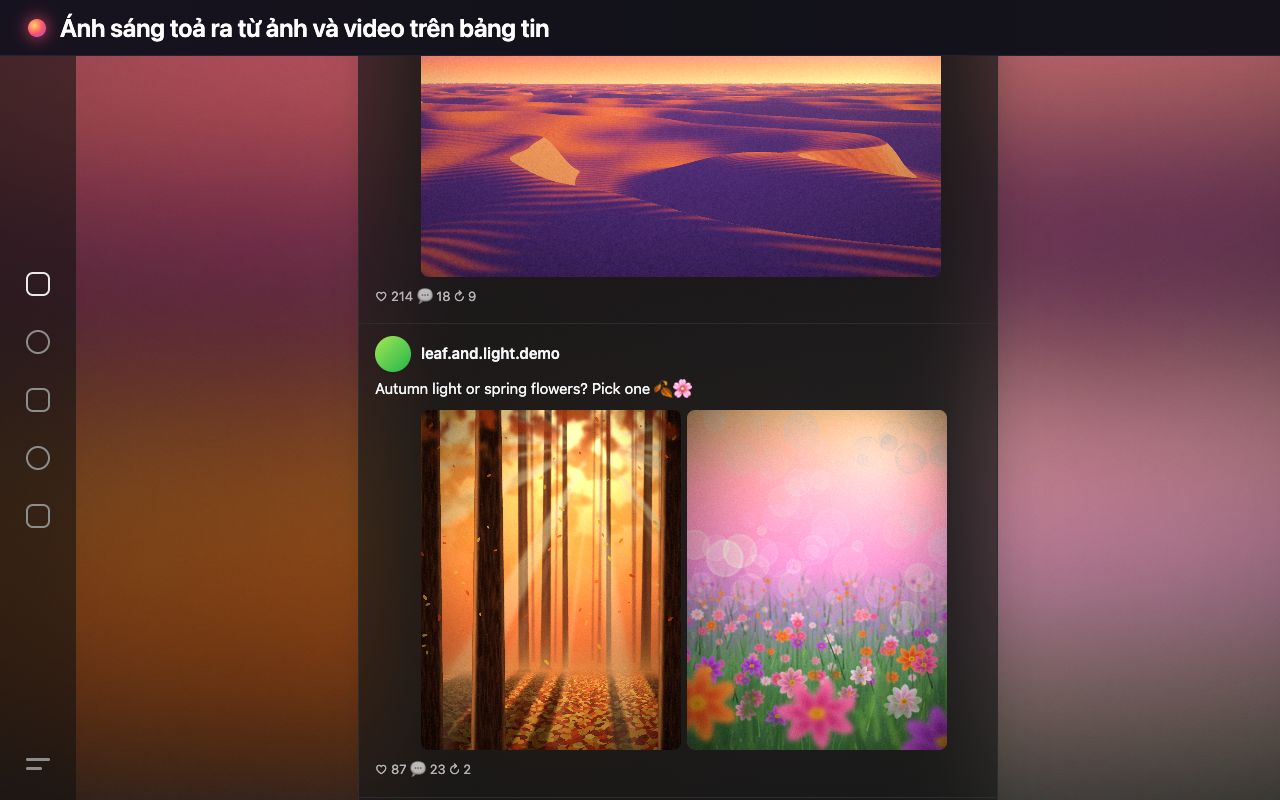
Ánh sáng nền dịu, nhiều màu phía sau ảnh và video trên bảng tin TikTok, Facebook, Instagram và Threads (bản web máy tính). Màu chuyển mượt từ bài này sang bài kế tiếp.
Add to ChromeThêm vào ChromeFree · No account · No data collection
Miễn phí · Không cần tài khoản · Không thu thập dữ liệu
FeaturesTính năng
Colors from your feed
Màu lấy từ bảng tin
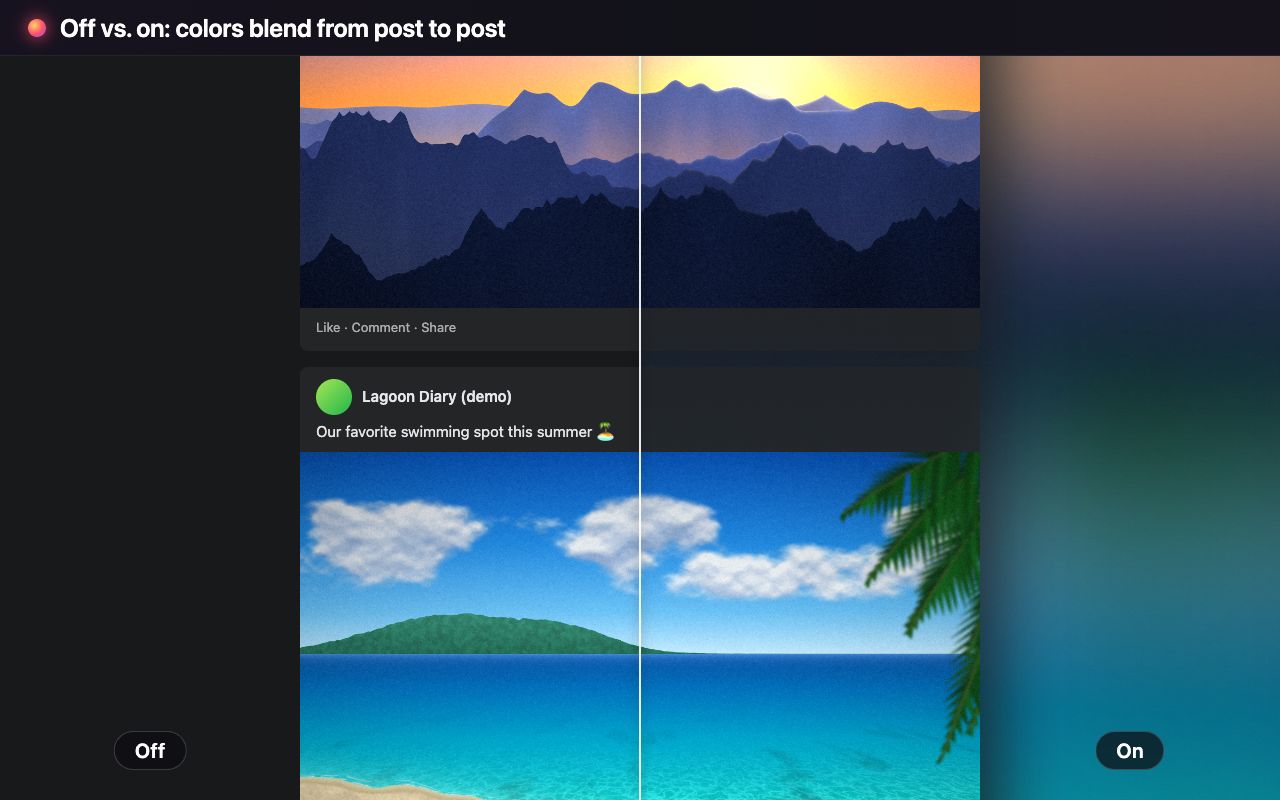
Each photo and video tints the page around it with its own colors. Posts, menus and dialogs stay crisp.
Mỗi ảnh, video phủ màu của chính nó ra nền xung quanh. Bài đăng, menu và hộp thoại vẫn rõ nét.
Smooth blending
Chuyển màu mượt
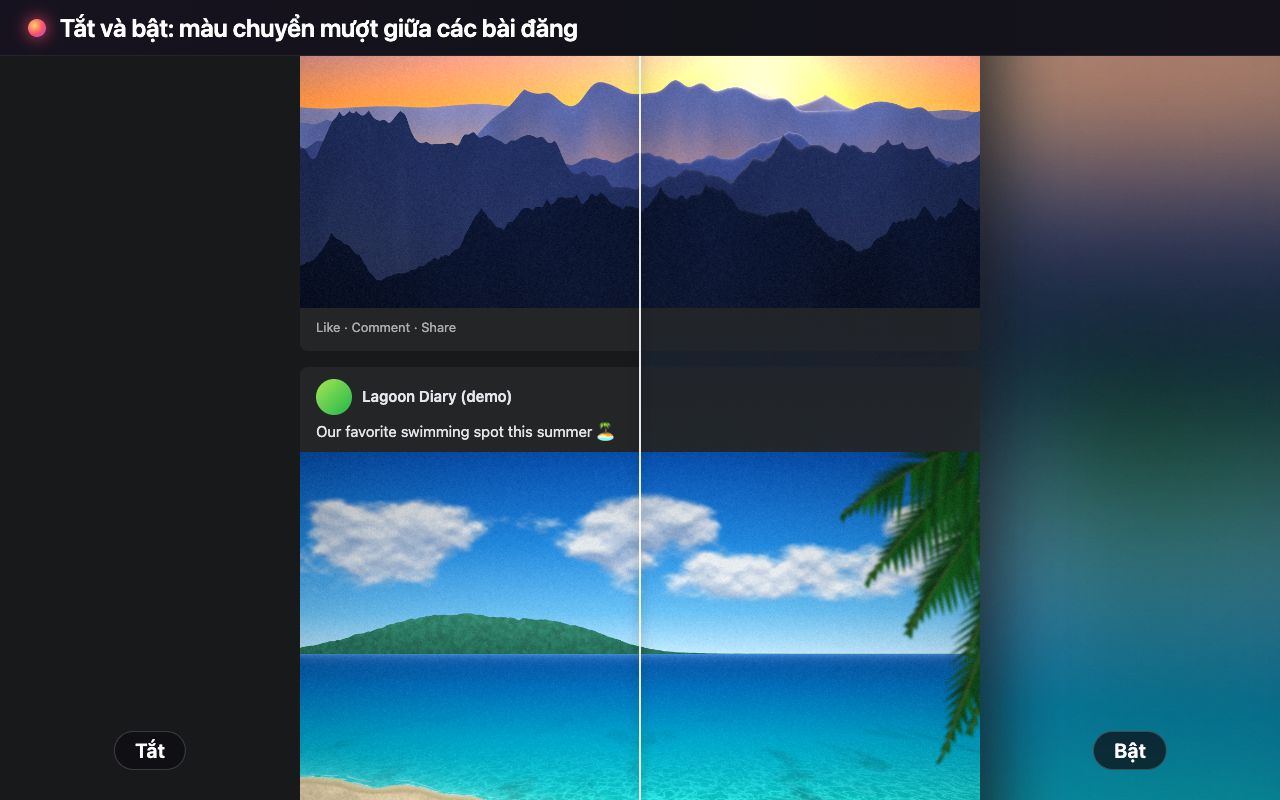
When two posts in a row have media, the color flows from one to the next. Text-only posts simply fade.
Hai bài liền nhau đều có ảnh/video thì màu chuyển dần sang nhau. Bài chỉ có chữ thì màu tự mờ đi.
Follows video
Đổi theo video
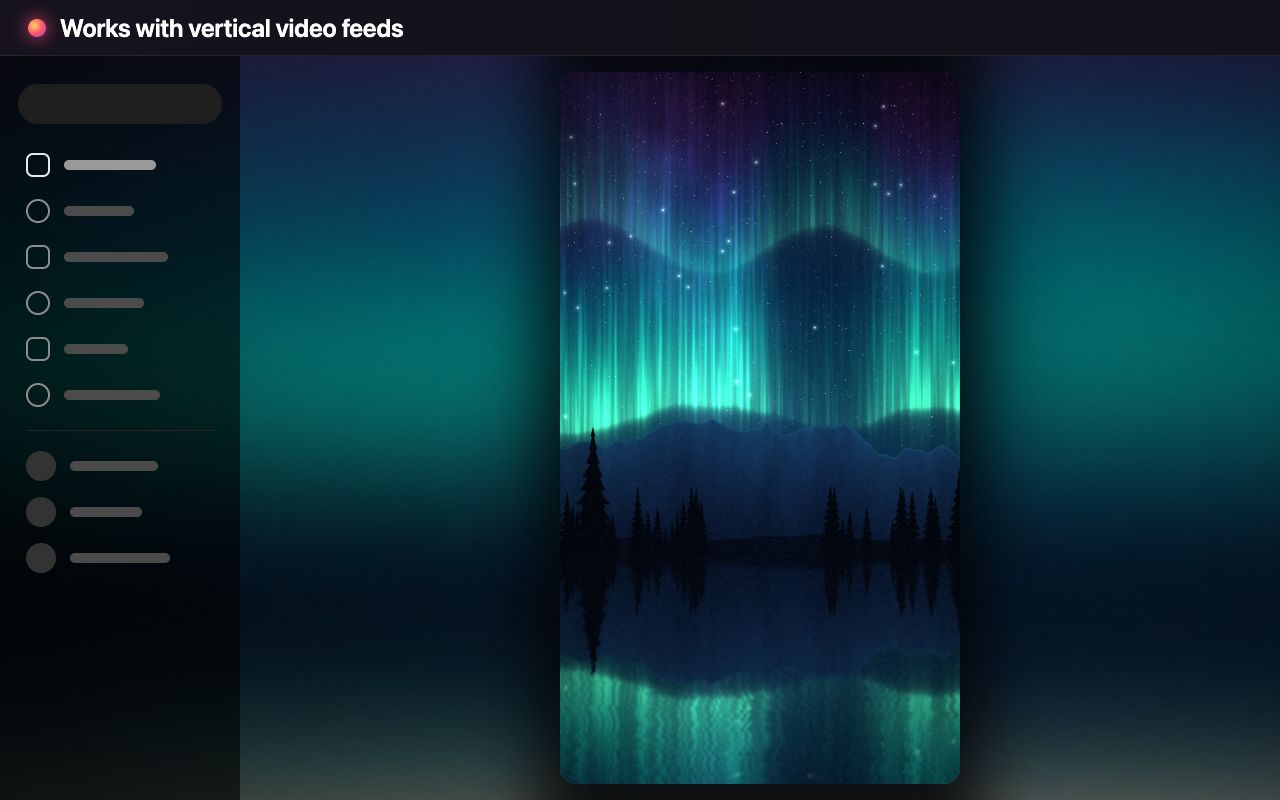
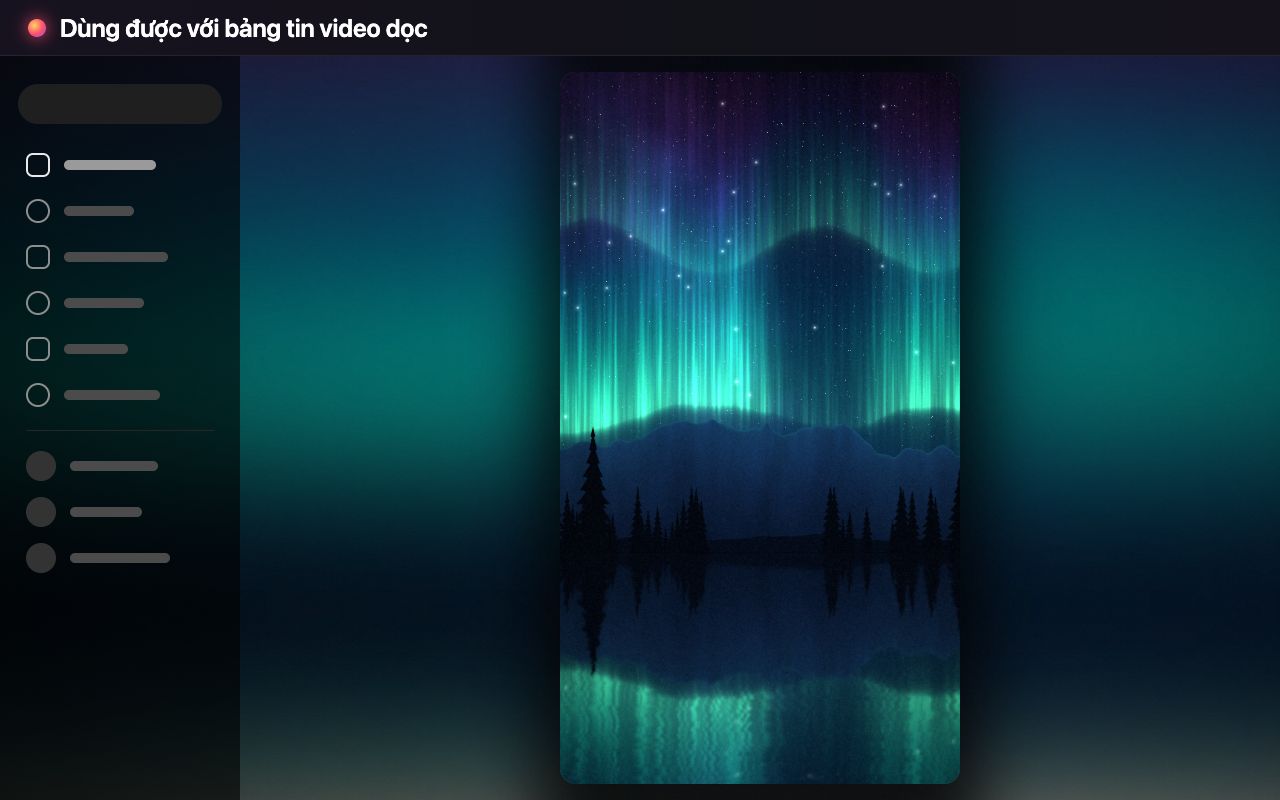
On videos, the glow follows the picture as it plays, with frame blending and an FPS cap.
Với video, ánh sáng đổi theo hình khi phát, có hòa trộn khung hình và giới hạn FPS.
Easy to read
Dễ đọc chữ
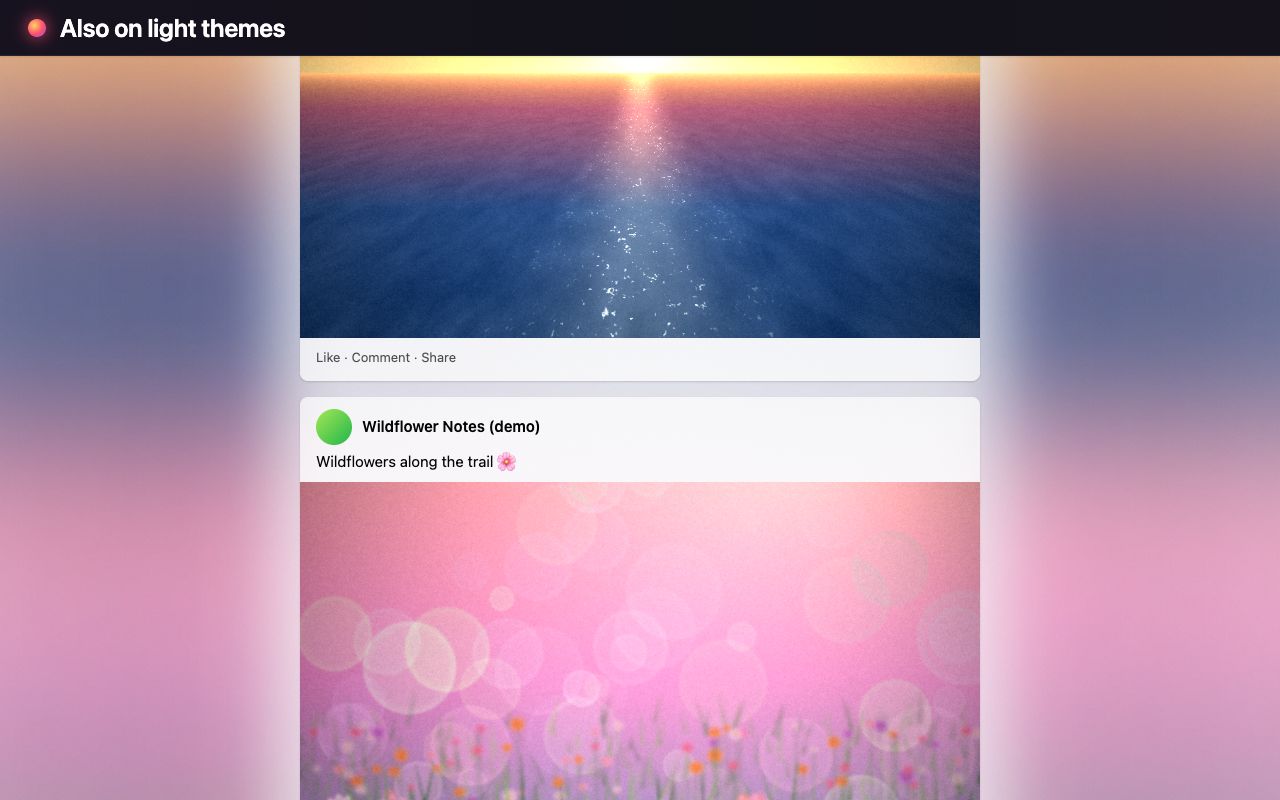
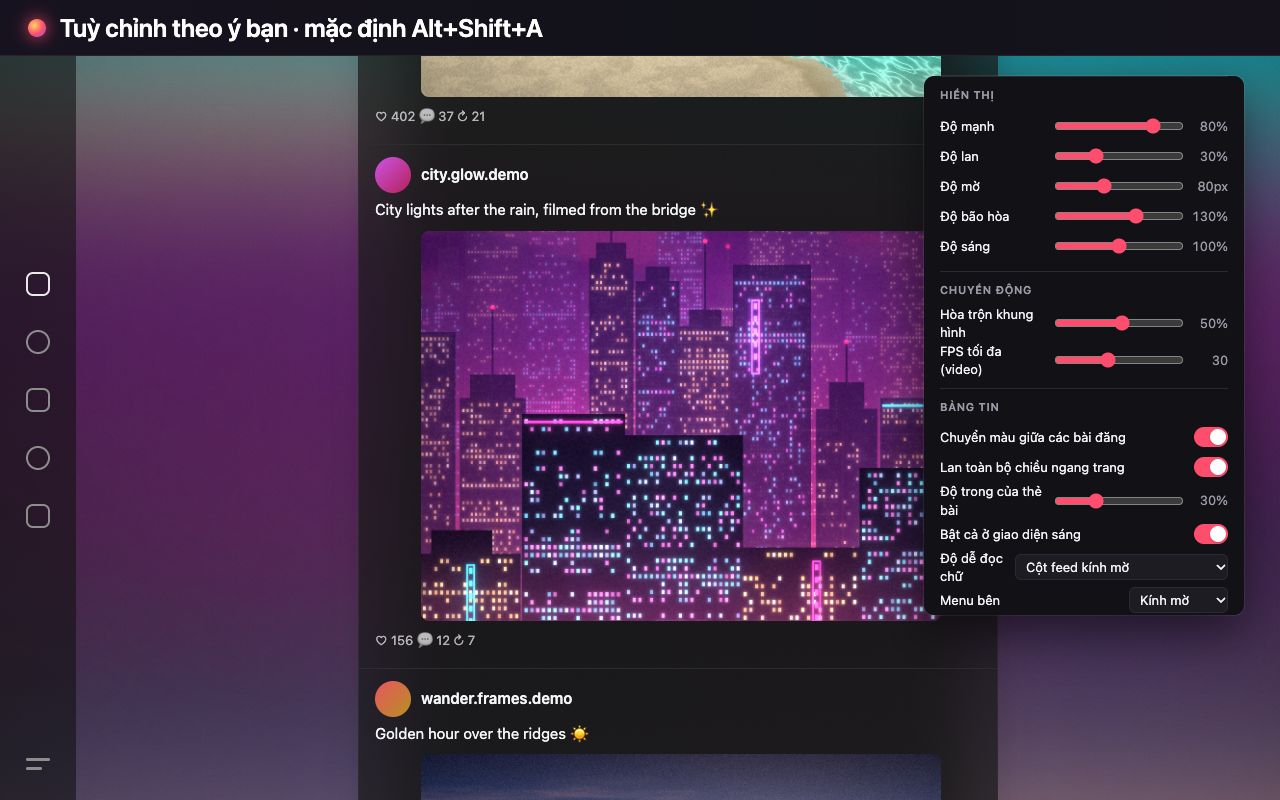
Readability modes and side-menu styles keep text clear on dark and light themes.
Các chế độ dễ đọc và kiểu menu bên giữ chữ rõ ràng ở cả giao diện tối lẫn sáng.
Your way
Tuỳ chỉnh
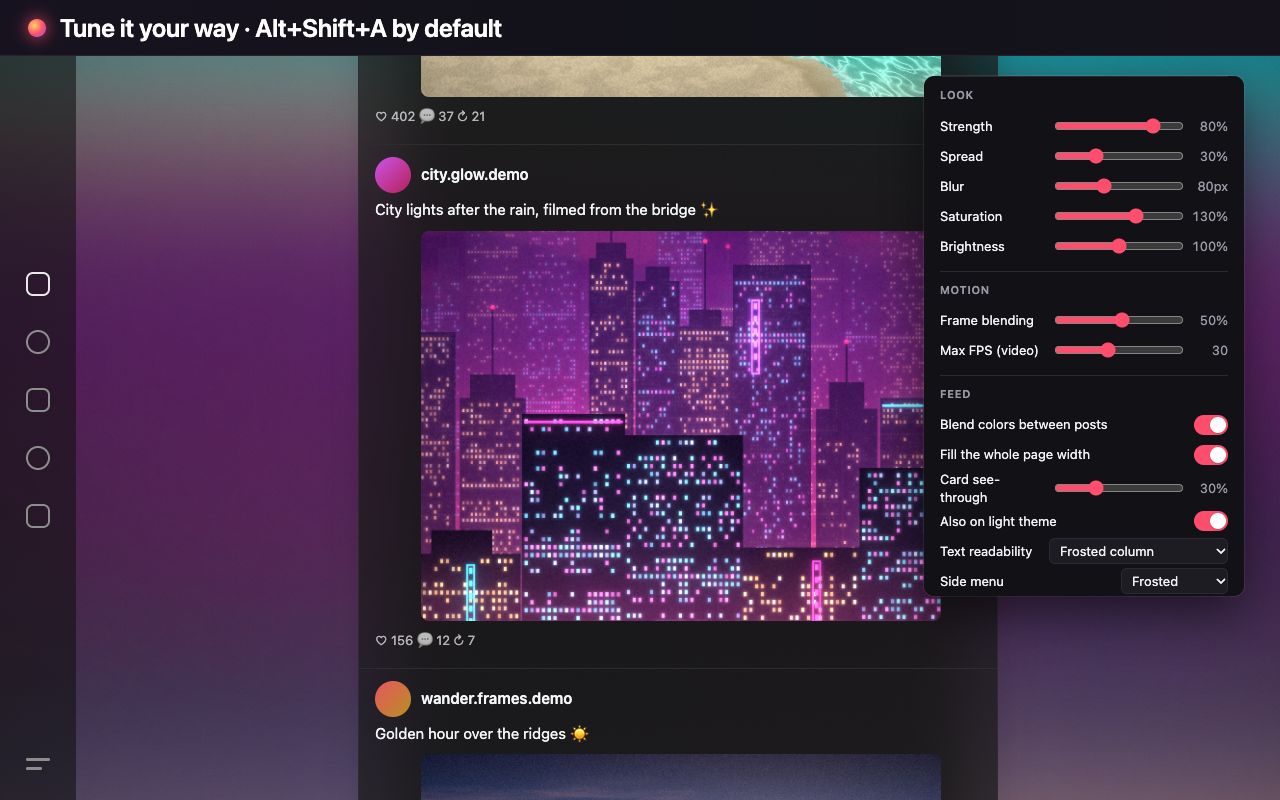
Strength, spread, blur, colors and quality, per-site switches, instant changes.
Độ mạnh, độ lan, độ mờ, màu sắc, chất lượng, bật/tắt từng trang, áp dụng ngay.
Light on your machine
Nhẹ máy
Drawn on a tiny canvas and upscaled by the GPU. It sleeps when nothing moves.
Vẽ trên canvas rất nhỏ rồi để GPU phóng to. Không có gì chuyển động thì tự nghỉ.
ScreenshotsHình ảnh
How to useCách dùng
- Add the extension from the Chrome Web Store.
- Open or reload TikTok, Facebook, Instagram or Threads in Chrome on your computer.
- Click the extension icon to adjust the look. Changes apply instantly.
- Press Alt+Shift+A (Option+Shift+A on Mac) to turn it on or off.
- Cài extension từ Chrome Web Store.
- Mở hoặc tải lại TikTok, Facebook, Instagram hay Threads trên Chrome máy tính.
- Bấm icon extension để chỉnh giao diện. Thay đổi áp dụng ngay.
- Nhấn Alt+Shift+A (Option+Shift+A trên Mac) để bật/tắt.
Your data stays on your deviceDữ liệu ở lại trên máy bạn
- No account, no analytics, no ads, no tracking.
- No network requests. Everything is drawn locally in your browser.
- Only your settings are stored, in Chrome's local storage.
- Không tài khoản, không analytics, không quảng cáo, không theo dõi.
- Không gửi request mạng. Mọi thứ được vẽ ngay trong trình duyệt.
- Chỉ lưu cài đặt của bạn, trong bộ nhớ cục bộ của Chrome.